Classic · Single column · ATS 5/5
Europass CV template
The European standard layout, with a real CEFR self-assessment grid.
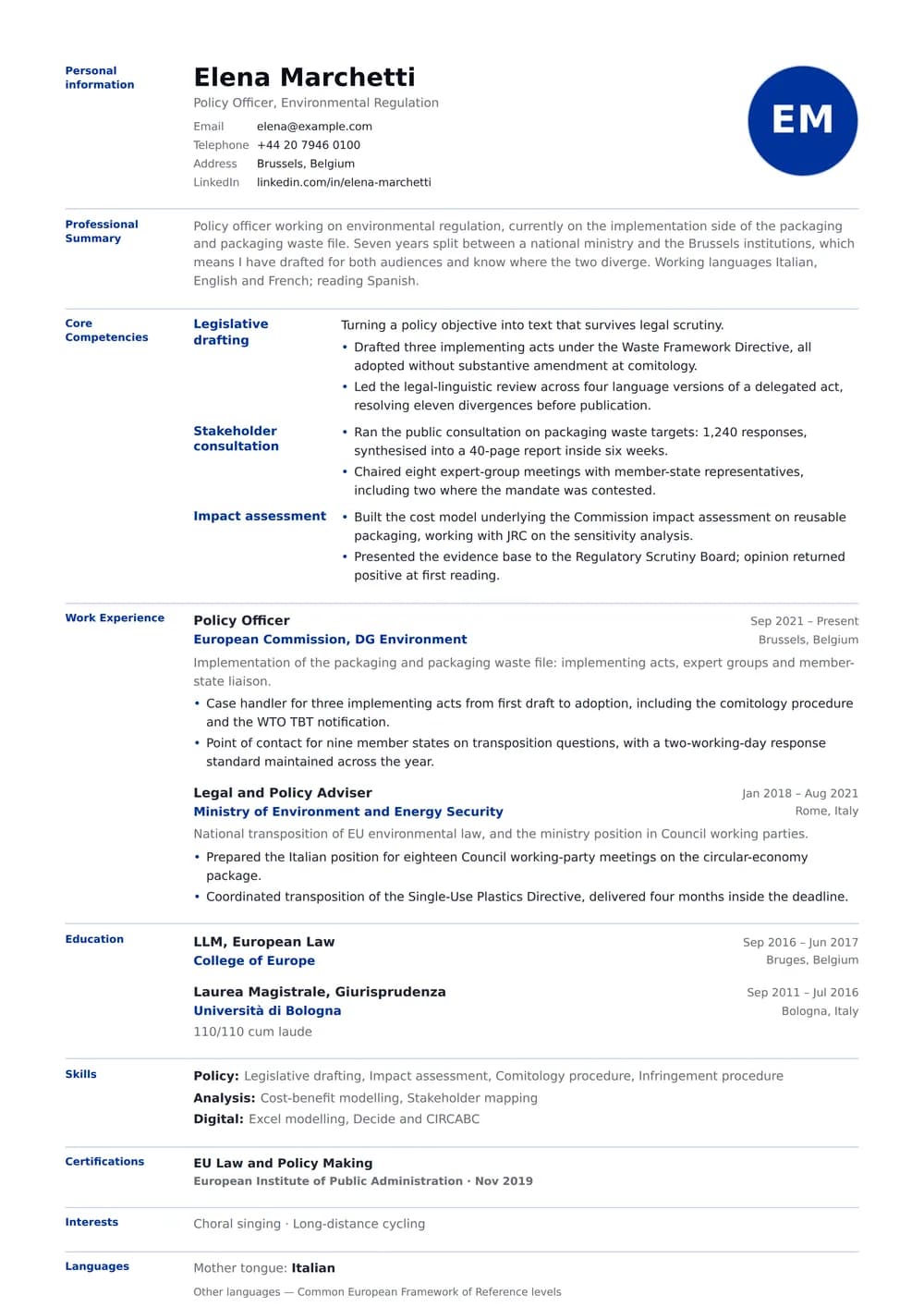
A traditional document for a reader who expects one: measured type, plain hierarchy and no ornament that a formal committee would read as flippant. One column, with a place for a photograph that the layout closes up cleanly when you decide not to use one.
The design
About the Europass CV layout
Who it’s for
The readers and situations this layout was drawn for.
- Applications to EU institutions, agencies and public bodies
- Academic and research posts across Europe
- Anyone asked to "send a Europass" and given no other guidance
Key features
What is actually different about this template on the page.
- Labelled left gutter in the standard Europass structure
- CEFR self-assessment grid built from your recorded levels
- Mother tongue stated separately, as the format requires
- Standard EU blue accent, single column, parser-safe
ATS score 5/5 · Excellent
How this layout behaves in an applicant tracking system
Nothing in this layout has to be interpreted. Job titles, employers and dates are ordinary text in an ordinary order, which is what a 5 out of 5 actually means.
Because there is only one text column, an extractor never has to decide which block to read first — the page has exactly one reading order and it is the one you can see.
The portrait is an image, so no parser reads it, and a handful of large employers’ systems flag documents that contain images at all. Switching the photo off in the editor takes one click and the layout closes up around it.
There is little left to fix here. If you want to see how the rest of the parser-safe range compares — and what a 5 out of 5 is actually measuring — the ATS CV templates page scores every layout on the same criteria.
- Reading order
- Single flow
- Headings
- Real text
- Tables
- None
- Images
- Photo only, optional
- Selectable text
- Yes
Scores are our own assessment of how a parser handles the layout — never a guarantee about one specific employer’s system.
In practice
Three situations Europass CV is the right answer to
A high-volume application campaign
When you are sending thirty applications in a month, the document has to work unattended. Nothing here needs explaining, reformatting or defending, which is what makes it the version to keep as your default. Where it earns its keep: Applications to EU institutions, agencies and public bodies.
A long formal record
Labelled left gutter in the standard Europass structure is the part of Europass CV that decides this. One column with generous leading suits a document that may legitimately run to three pages — an academic or legal CV is not trying to be a one-page pitch, and compressing it signals the wrong thing.
A client-facing role
Recruitment, hospitality, sales and account management all trade on presence, and a portrait does real work in those applications. The unusual part is having that portrait on a document this machine-readable. If the employer asks for a document without one, the photo toggle in the editor removes it and Europass CV re-balances the header on its own.
Make it yours
Customising Europass CV
Accent colour
Europass CV ships with #003399. If in doubt, set the accent to the same colour as the body text. This family reads perfectly well in a single colour, and a purely black-and-white version is never wrong for law, government or academia.
Density
Three sliders control density — type size, line height and the gap between sections — and on a one-column page each of them affects the whole document evenly, so fitting two pages into one is a matter of small adjustments rather than deletions.
The photo, and what happens without it
The portrait sits in the header and can be circular, rounded or square. Switch it off and the header reflows around the name rather than leaving a gap, which is what lets one document serve both a market that expects a photograph and one that forbids it.
Europass CV: common questions
Alternatives
Related templates
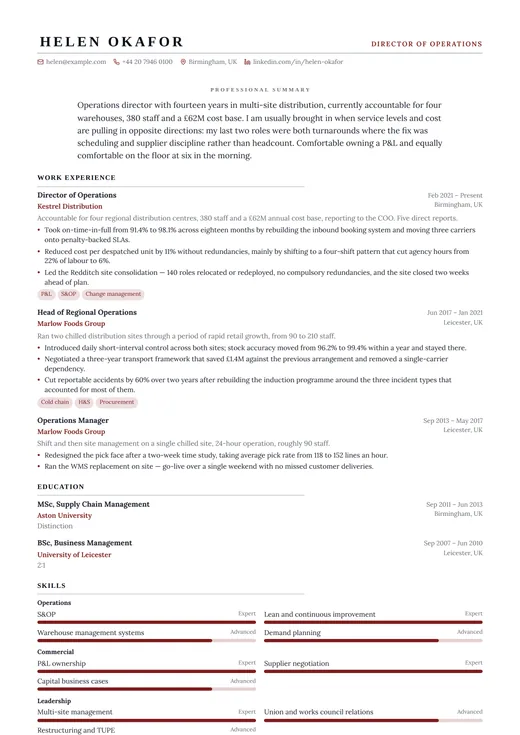
Executive Classic
classic · one column
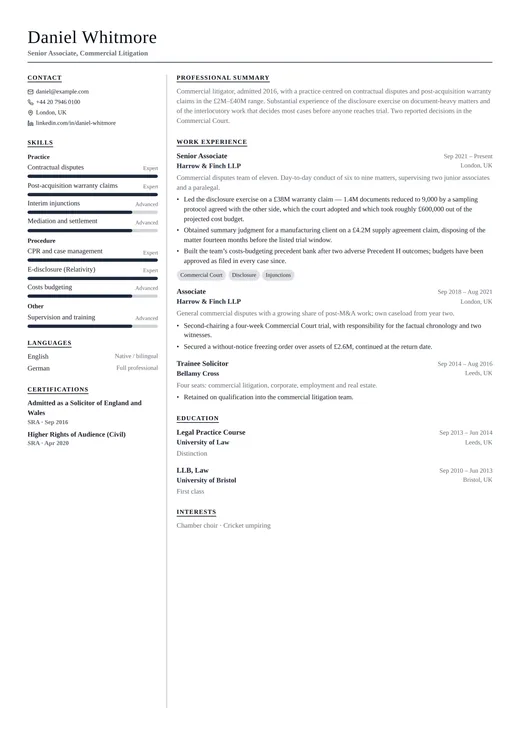
Formal CV
classic · two columns
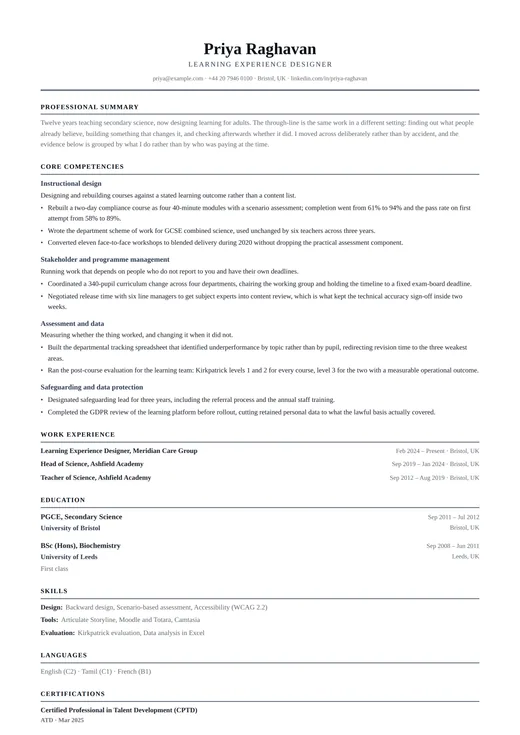
Functional CV
classic · one column
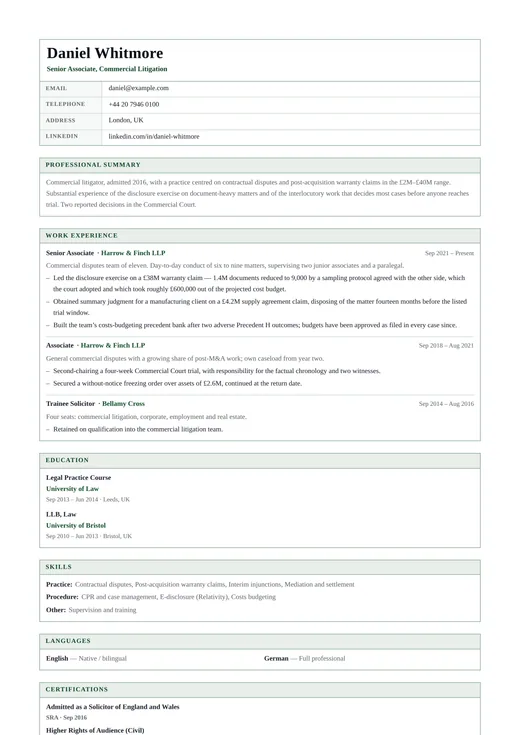
Government CV
classic · one column
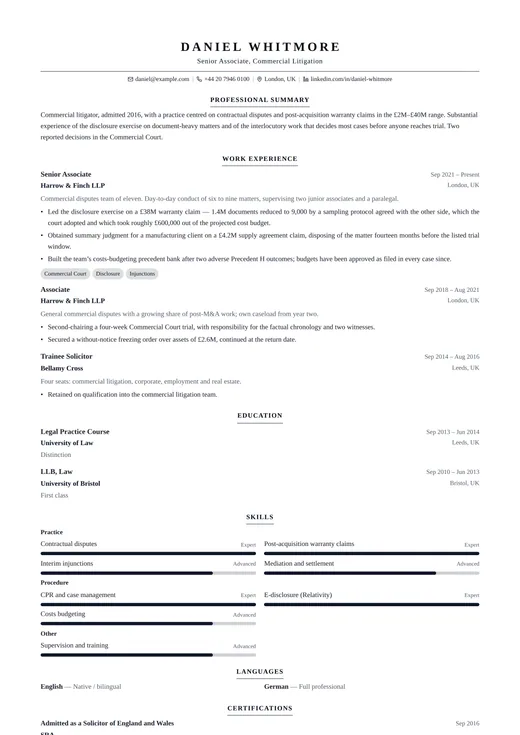
Legal CV
classic · one column
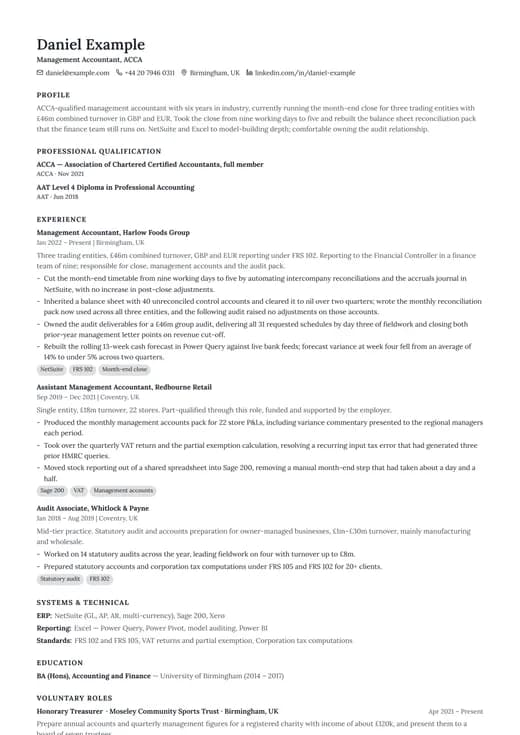
Simple Classic
classic · one column
Keep exploring
- All classic templatesEvery design in the Classic family, side by side.
- One-column templatesThe full single-column range, across all six categories.
- CV templatesFormats, page counts and conventions by country and career stage.
- ATS CV templatesWhat a parser does with your file, and the layouts built to survive it.
- CV examplesWorked examples by role, with the wording and structure explained.
- Free CV templatesEvery template you can use and download without paying.
Start your CV with Europass CV
Open it with the example content already in place, replace it with your own, and download a PDF when it reads the way you want. Switching to another template later keeps every word you have written.
Free plan, free download, no credit card.