Classic · Single column · ATS 5/5
Functional CV template
A skills-first CV that leads with what you can do, not when you did it.
Classic layouts follow conventions that predate the web, which is precisely why they still work in academia, law, government and the older professions. It runs as one column with no photo, which is the combination most application portals and most UK, US and Irish employers prefer.
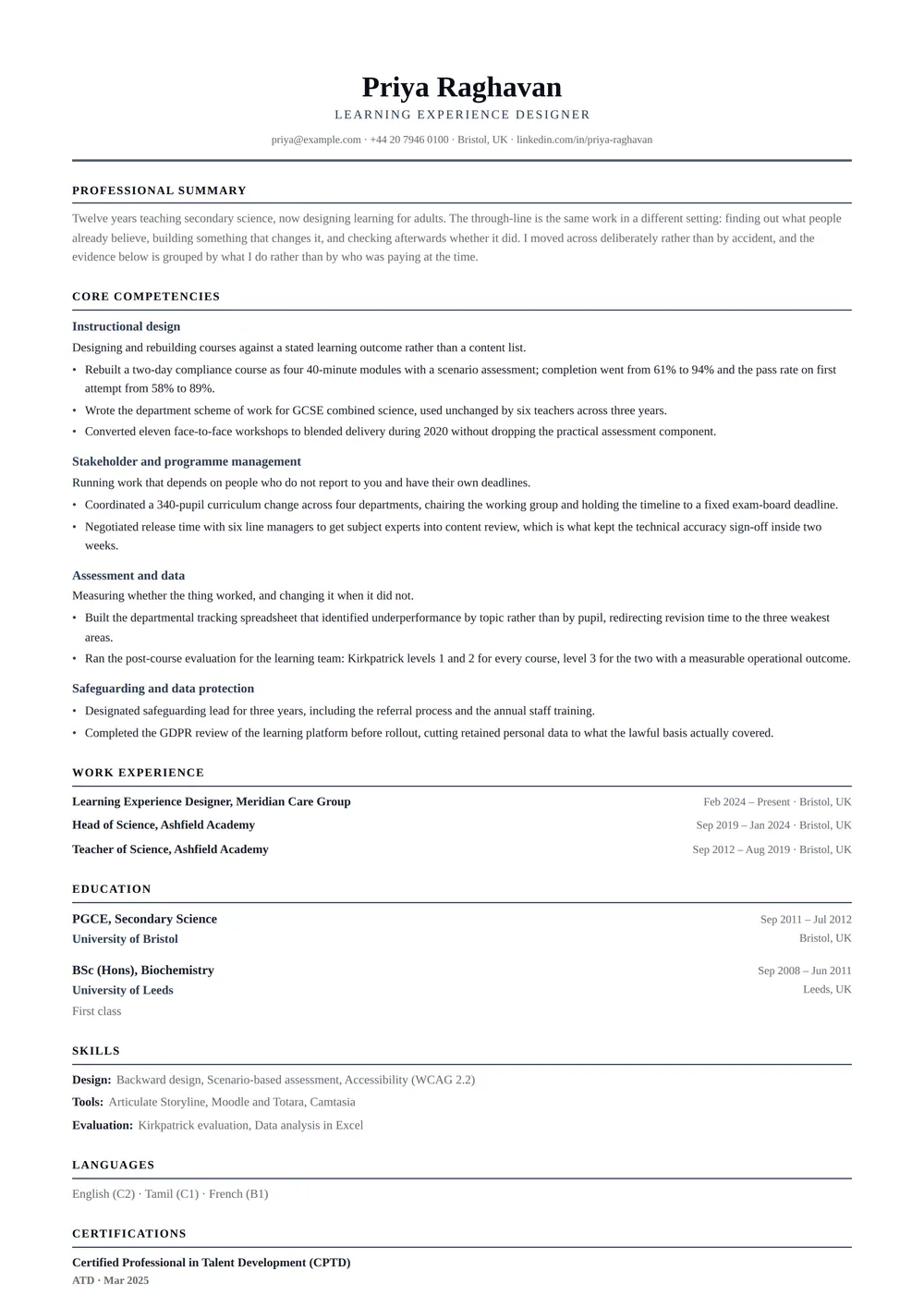
The design
About the Functional CV layout
Who it’s for
The readers and situations this layout was drawn for.
- Career changers whose relevant evidence sits outside their job titles
- Anyone returning to work after a break in employment
- Contractors and freelancers with many short engagements
Key features
What is actually different about this template on the page.
- Core competencies lead the page, with evidence under each
- Employment history as a compact dated list, no repeated bullets
- Single column throughout — parses as an ordinary CV
- Centred masthead with a full-width rule
ATS score 5/5 · Excellent
How this layout behaves in an applicant tracking system
It holds the full 5 out of 5 for a simple reason — no sidebar, no table, no text baked into an image. What you upload is very close to what the system reads back.
Because there is only one text column, an extractor never has to decide which block to read first — the page has exactly one reading order and it is the one you can see.
There is little left to fix here. If you want to see how the rest of the parser-safe range compares — and what a 5 out of 5 is actually measuring — the ATS CV templates page scores every layout on the same criteria.
- Reading order
- Single flow
- Headings
- Real text
- Tables
- None
- Images
- None
- Selectable text
- Yes
Scores are our own assessment of how a parser handles the layout — never a guarantee about one specific employer’s system.
In practice
Three situations Functional CV is the right answer to
A large-employer application portal
You are uploading a PDF into a careers site that will index it before a recruiter opens anything. This layout is designed for precisely that first reader, so nothing is lost between the upload button and the recruiter’s screen. A typical example: Career changers whose relevant evidence sits outside their job titles.
A long formal record
Core competencies lead the page, with evidence under each is the part of Functional CV that decides this. One column with generous leading suits a document that may legitimately run to three pages — an academic or legal CV is not trying to be a one-page pitch, and compressing it signals the wrong thing.
A UK, US, Canadian or Irish application
Employers in these markets discourage photographs outright — some screening teams remove them before a hiring manager sees the file, to keep the process defensible. Starting without one means nothing has to be removed. Functional CV has no photo slot to remove, so the same file works in every market you send it to.
Make it yours
Customising Functional CV
Accent colour
Functional CV ships with #334155. The convention in this register is one dark colour used for the name and the section rules and nowhere else. It is the difference between "typeset" and "designed", and typeset is what you want here.
Density
Font size, line height, section spacing and page margins are all sliders. On a single column they behave predictably: reduce section spacing first, margins second, and only then the type size — a CV set below 9.5pt starts to look like an attempt to hide its length.
What this layout fixes
Length is not the constraint it is elsewhere. A classic CV running to three pages is normal in academia and law, and this layout paginates cleanly rather than fighting it. There is no photo slot to switch off, which is the point: nothing has to be removed before sending it to an employer that does not want one.
Functional CV: common questions
Alternatives
Related templates
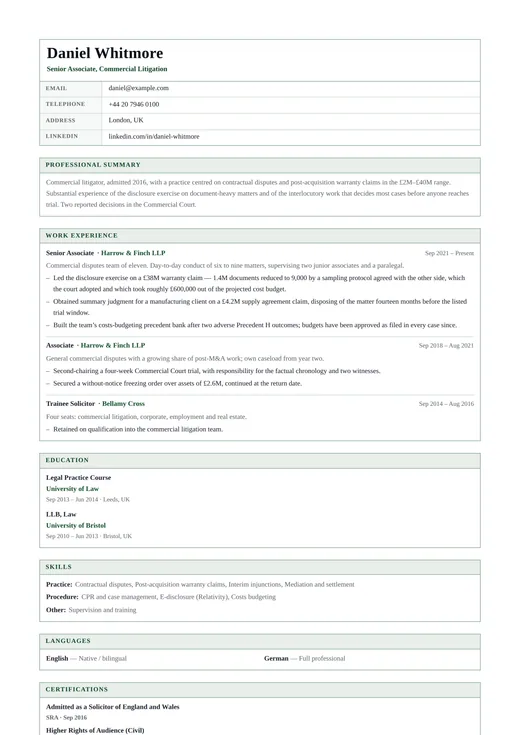
Government CV
classic · one column
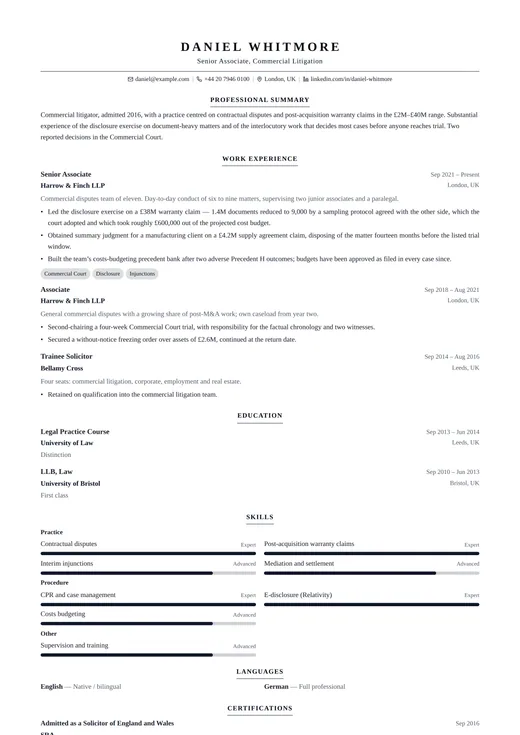
Legal CV
classic · one column
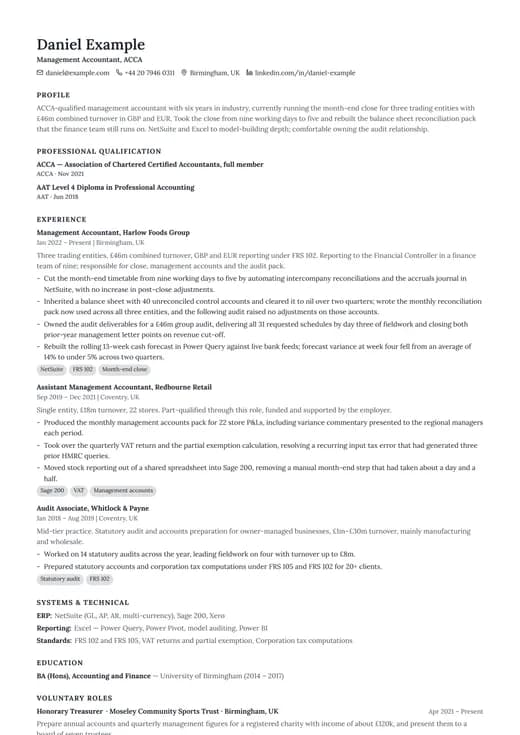
Simple Classic
classic · one column
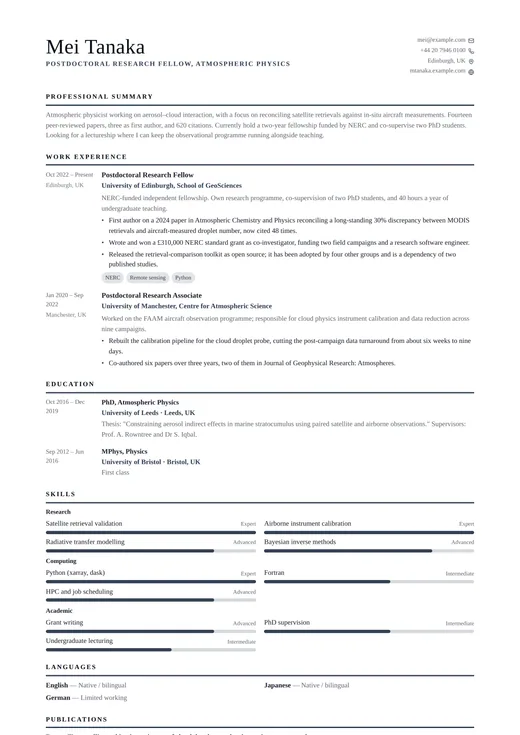
Timeless
classic · one column
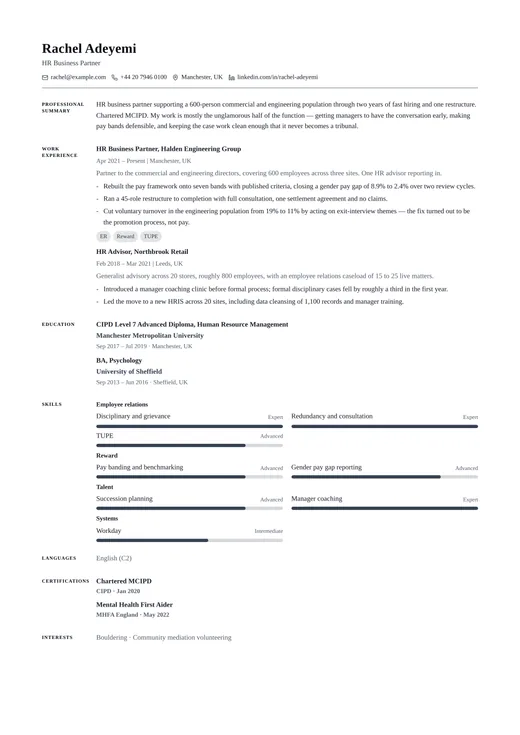
Traditional CV
classic · one column
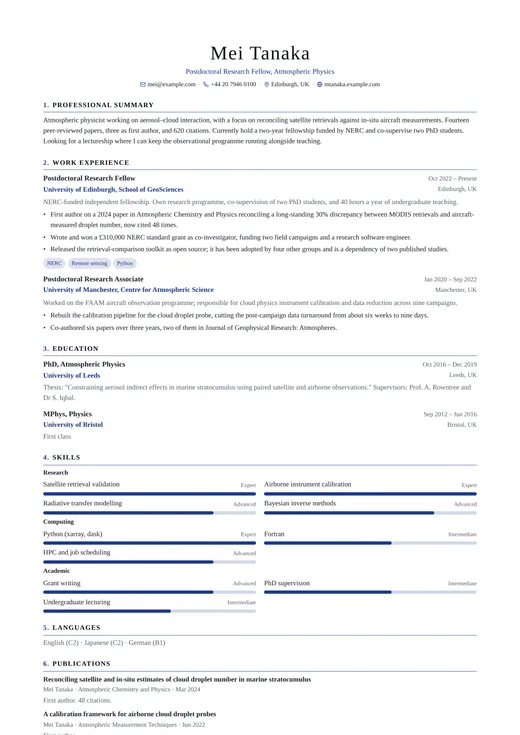
Academic CV
classic · one column
Keep exploring
- All classic templatesEvery design in the Classic family, side by side.
- One-column templatesThe full single-column range, across all six categories.
- CV templatesFormats, page counts and conventions by country and career stage.
- ATS CV templatesWhat a parser does with your file, and the layouts built to survive it.
- CV examplesWorked examples by role, with the wording and structure explained.
- Free CV templatesEvery template you can use and download without paying.
Start your CV with Functional CV
Open it with the example content already in place, replace it with your own, and download a PDF when it reads the way you want. Switching to another template later keeps every word you have written.
Free plan, free download, no credit card.